319 Hackers, One Detector: What DEF CON's Phishathon Taught Us About Surface Vision
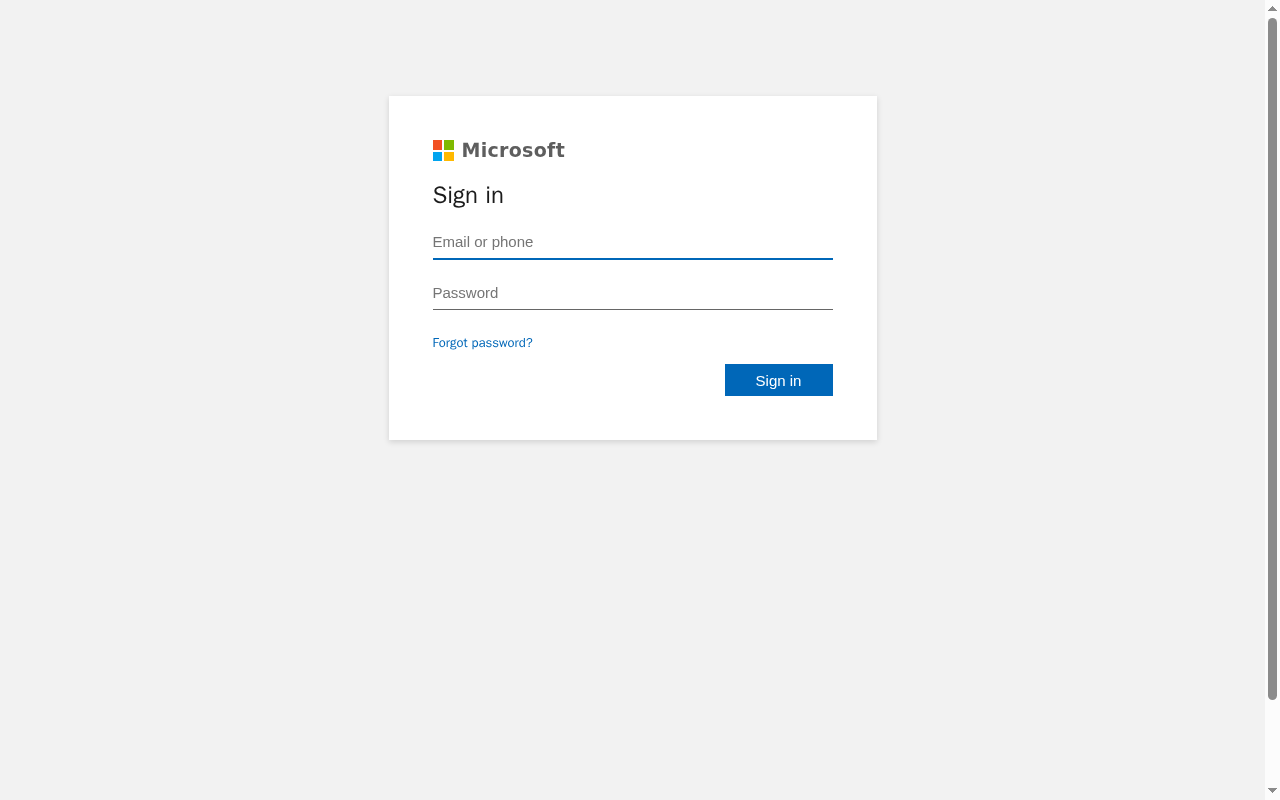
At DEF CON this year we ran a challenge we called the Surface Security Phishathon. The premise was simple, and a little uncomfortable: here is Surface Vision, our patent-pending phishing detection engine, running live in a browser. Build a credential-harvesting page convincing enough to fool a human, and get it past the detector. If your page stays silent, you win.
319 people took a swing at it. Five of them landed a bypass at least once. One participant stood almost entirely alone, with more than twenty distinct techniques that each defeated the engine in a different way.
That last number is the one we care about most, and not because it stings. A single person methodically finding twenty ways through is worth more to us than a thousand people finding none. This post is about what the interesting bypasses looked like, and what we did about them.
Five out of 319
The headline result is that the overwhelming majority of submissions did not get through. Most phishing pages, even good ones, lean on the same handful of tells: a real brand logo, brand text in the page, a lookalike domain, a login form that behaves like a login form. Surface Vision reasons about what a page is doing rather than trusting where it came from, and that catches the bulk of attempts on the first try.
The five who succeeded did not out-muscle the detector. They went sideways. Every one of the interesting bypasses shares a single idea: keep the page perfectly legible to a human eye while removing the exact thing the detector was reading. The brand is still there. It is just no longer anywhere a machine expects to find it.
We are not going to walk through how Surface Vision decides what it decides, for the same reason the winners understood the assignment: the people building real kits read writeups like this one. What is worth sharing is the shape of the creativity, because it is genuinely good work.
The techniques that stood out
Move the brand out of the text and into the pixels
The most common thread among the winning entries was rendering the brand name as an image rather than as text a machine can read. The wordmark still says "Microsoft" to your eyes. But it is not typed anywhere in the page.
One entrant painted the whole wordmark onto a <canvas>, letter by letter, so no searchable brand string exists in the document at all. A more devious version of the same idea distorted each glyph slightly, rotating and waving the letters the way a CAPTCHA does, so that any attempt to read the pixels back into text stumbles while a person reads it at a glance.
Smuggle the brand into a font
The cleverest variation on that theme did not touch the pixels or the visible text. The page displayed a wordmark whose underlying text was pure nonsense, Xpvnbktzq, and shipped a tiny custom web font that remapped those nine letters onto the glyph shapes for M, i, c, r, o, s, o, f, t. Every place a machine can look, textContent, attributes, the raw HTML, contains only the gibberish. The screen shows the brand. This is a real, known phishing-kit tradecraft, and seeing it built cleanly against us was a highlight.
Use color the eye sees and a machine throws away
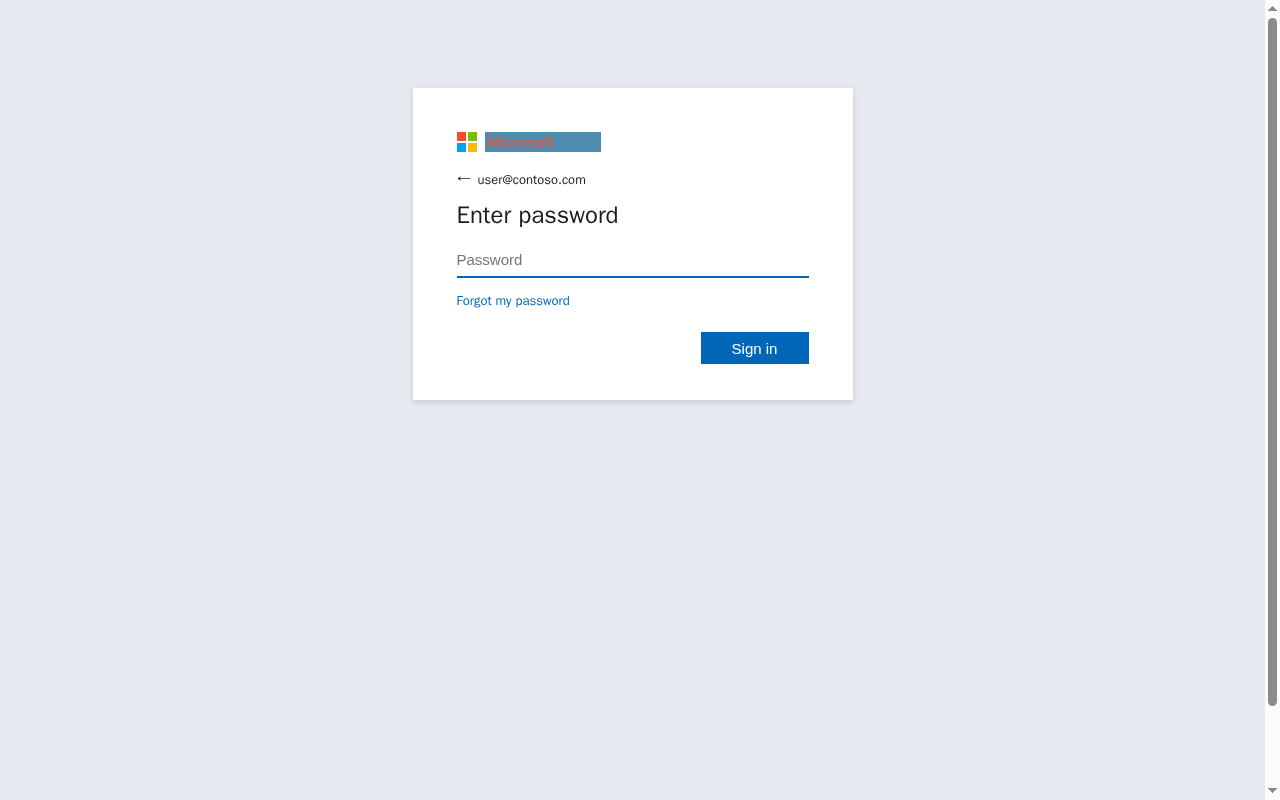
Another entrant rendered a crisp, undistorted "Microsoft" and chose the ink and background colors so that, to a human, the word pops in full color, while a grayscale conversion of the image collapses the whole word into one flat shade with no edges to find. It is a quietly beautiful trick: the information your eyes use to read the word lives in a channel that image pipelines routinely discard before they look.
Hide the whole login where the inspector can't reach
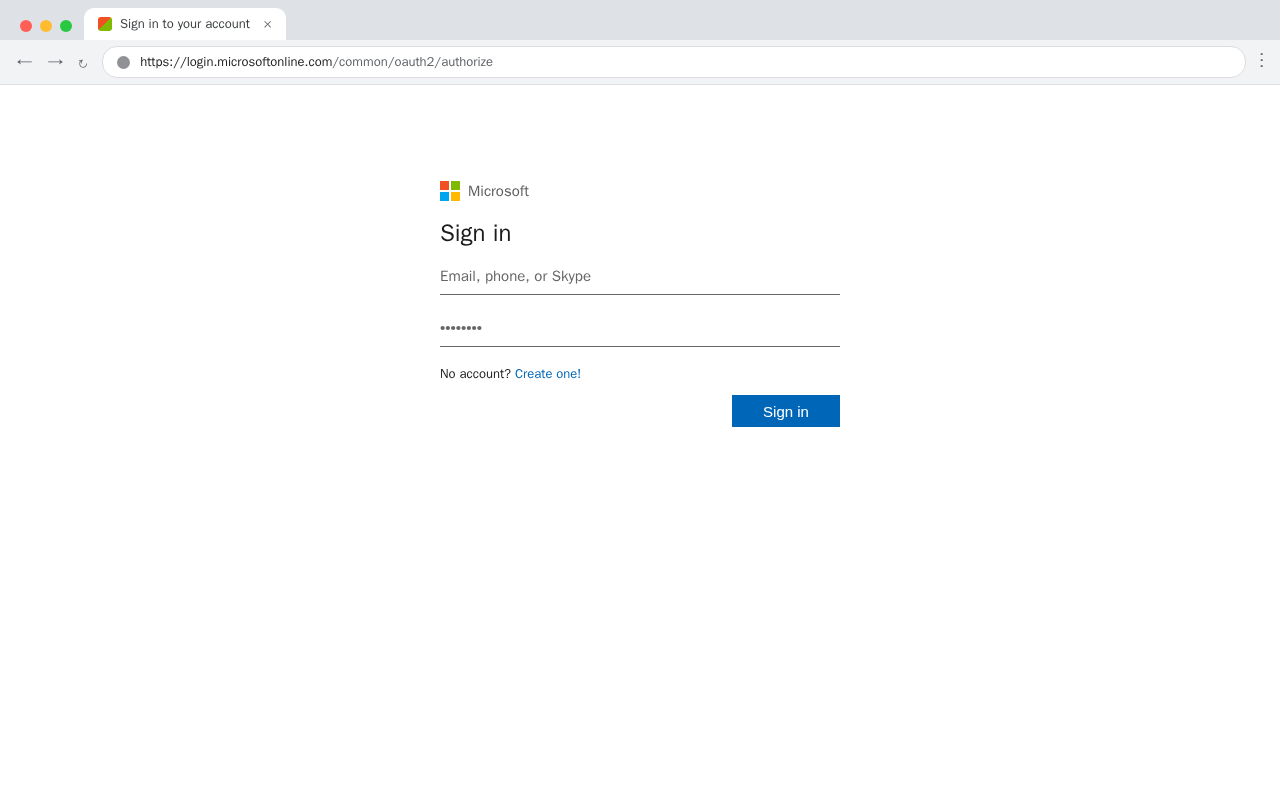
A couple of entries did not touch the brand at all. They hid the entire login. One rendered the credential fields inside a closed shadow DOM, a corner of the page structure that a lot of tooling cannot see into. Another built a fake browser window, chrome and address bar and all, showing a trusted URL, then constructed the login inside it out of editable regions rather than ordinary form fields, so nothing on the page looked like a login to anything but a person.
Beat the logo check by making the logo bigger
Our favorite for sheer cheek: one entrant used the real, authentic four-square Microsoft logo, correctly labeled, exactly where a defender would hope to find it, and simply padded the image file until it was large enough to slip past a size limit in the visual comparison. The defense was looking right at the logo and waved it through because it was oversized. Nothing hidden, nothing obfuscated, just a defender's own optimization turned into a door.
Homoglyphs, the old reliable
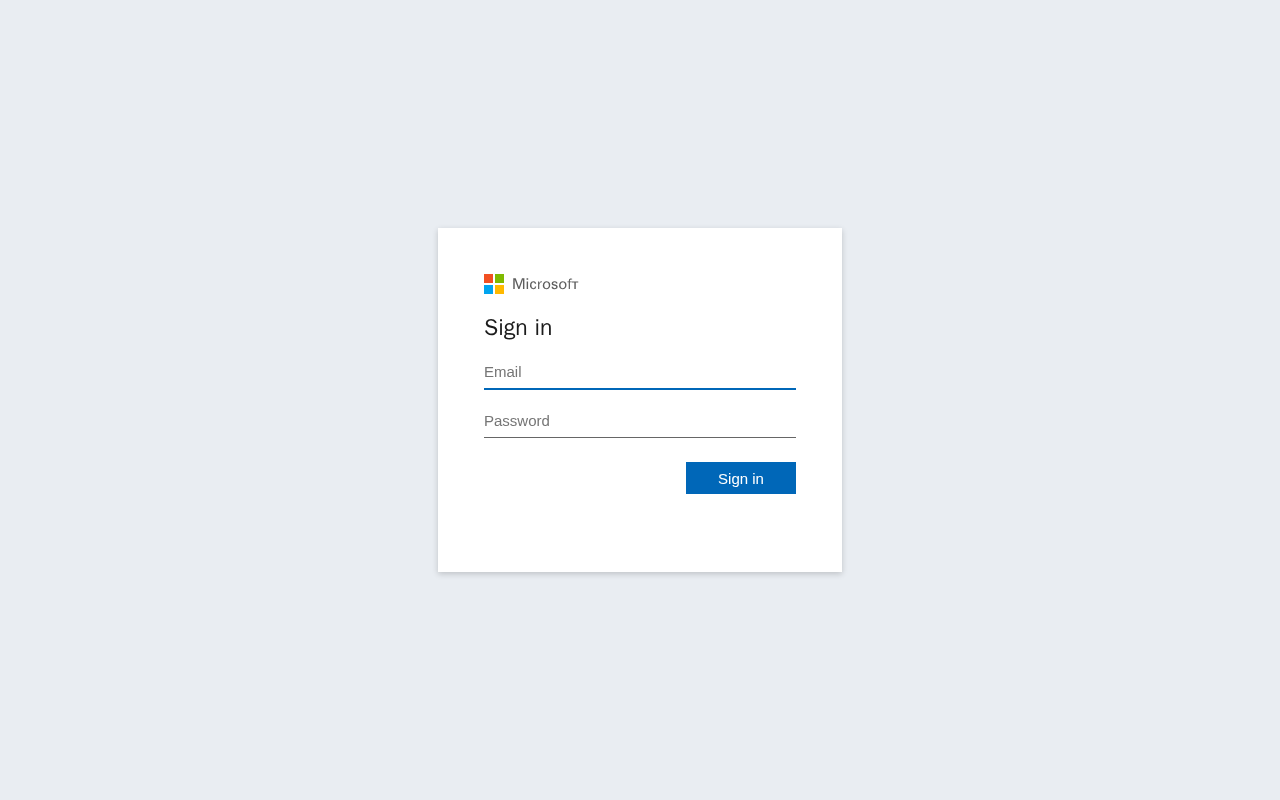
And a standard-bearer for the classics: an ordinary, real Microsoft login where the only brand-identifying text was the wordmark spelled in Cyrillic look-alike characters, "Місrоѕоfт". To a reader it is the brand. To a byte-for-byte comparison it is a string that has never appeared in any Microsoft property.
What was striking about the standout participant
Most of the five found one or two doors and walked through them, and several found the same doors independently, which is its own useful signal about where the soft spots cluster. The standout was different. They did not just find bypasses, they enumerated them. Each submission attacked a different assumption, and several were paired with a control page proving the technique. That is the difference between someone testing a lock and someone mapping every window in the building. We would hire that energy.
We fixed all of them
Here is the part that matters most: every bypass identified in the Phishathon has been fixed. The canvas wordmarks, the font remap, the color trick, the shadow DOM login, the fake browser window, the oversized logo, the homoglyphs. All of them are closed, and several of the fixes are broader than the specific technique that prompted them, because the useful lesson from an attack is rarely the exact payload. It is the assumption the payload exploited.
That is the whole reason to do something like this. You cannot find the assumption you did not know you were making by testing your own software against your own imagination. You find it by handing the thing to 319 people who are motivated, creative, and completely uninterested in being fair to you. Adversarial testing is not a nice-to-have on top of a mature detector. It is the only reliable way to learn where the detector is weak, and the sooner and more often you invite it, the smaller the surprises get.
If you build detection of any kind, put it in front of people who want to break it, and reward them when they do. A bypass you learn about at a conference is a bypass you did not learn about from an incident report.
Try it yourself
Surface Vision is the detection engine behind everything above, and it runs live in the browser rather than upstream of it. If you want to point real, novel attacks at your own stack and see how Surface responds, the Surface trial is the fastest way to do that in your environment.
And if you just want the protection for yourself, Surface Guard is our free consumer version, the same adaptive detection stopping phishing, impersonation, and AI-generated attacks in your personal browser, privacy-first, with detection that runs in your browser.
Thanks to everyone who tried to break Surface Vision at DEF CON. You made it better. Come find us next year and try again.